
Official mirror · Updated October 2026
Mafia Casino Australia Login In 2026
Sign in to one account for pokies, live tables and sports betting. Your AUD balance, bonuses and history follow you across every mirror address.
- AUD accounts
- Browser access on iOS and Android
- 24/7 live chat
New here?
Welcome package up to A$3,000
Match offers across your first three deposits · T&Cs apply
How to Sign In to Mafia Casino Australia
The form sits in the site header on desktop and mobile. Once it is open, signing in takes a few seconds.
-
01
Open the login form
Load the mirror in your browser and tap the login entry in the header.
-
02
Enter your registered email and password
Use the email and password you set when you created the account.
-
03
Submit the form
Confirm the details and you land straight back in your dashboard.
On This Page3
Mafia Casino Australia Login on Computer and Mobile
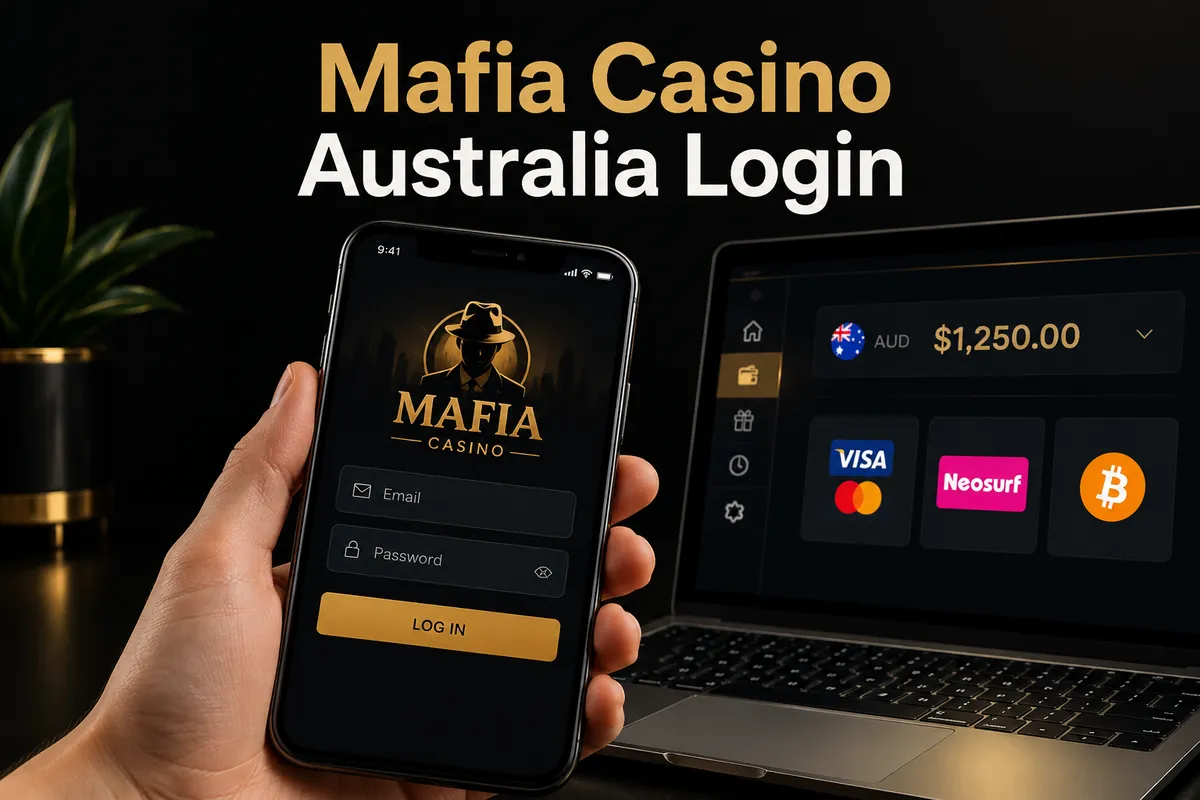
One set of credentials covers every device. The mafia casino australia login route is identical on a laptop and a phone, so you never juggle separate accounts or lose track of a balance. New players can open an account and return here to sign in.
What You Need Before You Start
Your registered email and password are the only two details required. Keep them handy if you sign in often, or let your browser fill them in. Nothing else is asked at the door.
You will not need a card number, a phone code or a document at this stage. That keeps the process short for regular players who sign in several times a week. It also means anyone who forgets a detail can retry without hunting for paperwork. The form is forgiving on small typos, but the email must match exactly.
Step by Step on Any Device
The sequence is the same whether you play on a desktop or a handset. Work through it once and the pattern sticks.
- Open the mirror address in your usual browser.
- Find the login entry in the page header.
- Type your registered email and password exactly as saved.
- Submit the form and wait for the dashboard to load.
If you are returning after a break, your account still carries the same AUD balance and any active bonus progress. Nothing is lost between sessions.
Signing In Through a Mobile Browser
A mobile browser gives the cleanest experience on iPhone, iPad and Android. Layouts collapse into single columns, buttons sit within thumb reach, and the form stays near the top of the screen.
- Open Safari or Chrome on your device.
- Load the mirror and sign in as usual.
- Use Add to Home Screen for a shortcut on the launcher.
The shortcut opens like an app and keeps your signed-in session ready for the next visit. Rotate the phone or switch tabs and access holds.
| Detail | Computer | Mobile |
|---|---|---|
| Input style | Keyboard | On-screen keyboard |
| Layout | Wide dashboard | Single column |
| Home-screen shortcut | Not needed | Chrome or Safari |
| Same credentials | Yes | Yes |
Both paths reach the same account, the same pokies and the same live tables. Pick whatever device is closest, and the session continues where you left it.
Getting Help With Access Problems
If the form does not accept your details, check the email spelling first, since one mistyped character blocks everything. Then confirm you are on the mirror address and not an old bookmark pointing elsewhere.
Anyone who prefers a person on the other end can open 24/7 live chat at any hour. The team can confirm whether your account is fine on their side and point you to the right next step. Email works too if you want a written trail.
After You Log In: AUD Account, Deposits and Payouts
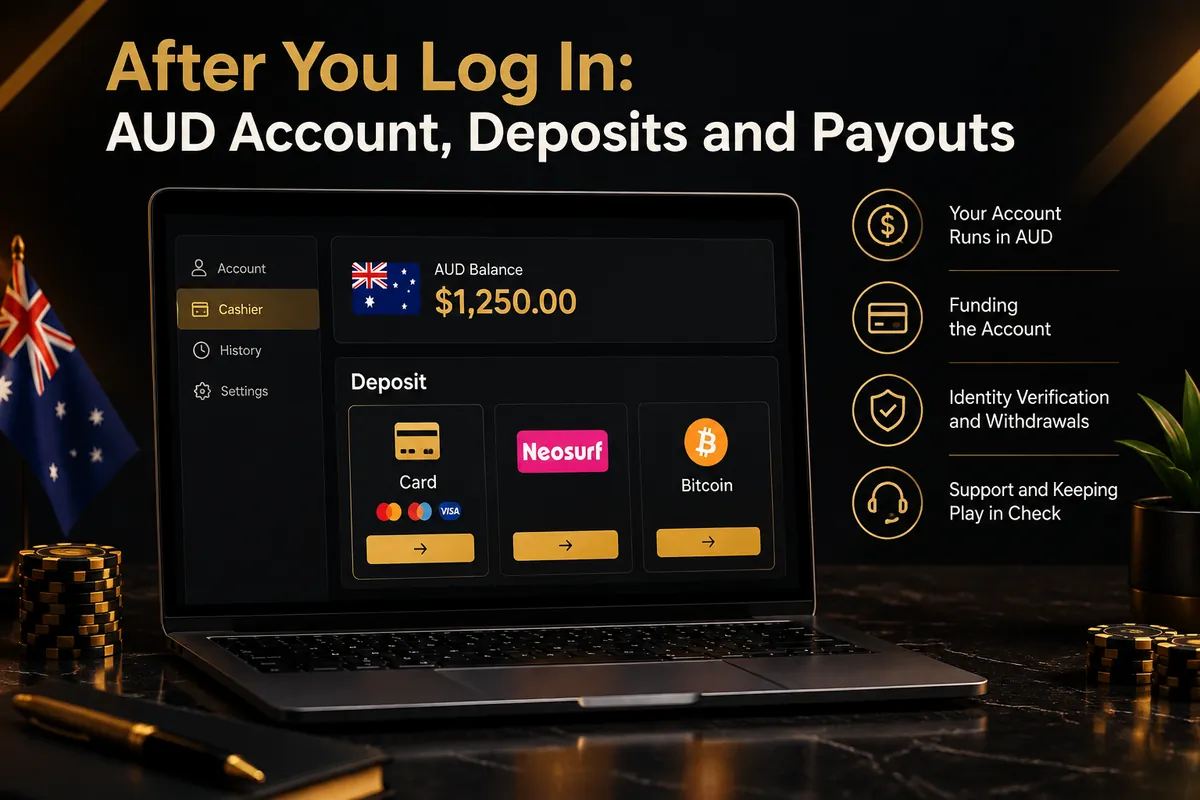
Once the dashboard loads, you are inside a single account that spans pokies, live casino and betting. That means one login, one wallet and one place to track everything you do on the site.
Your Account Runs in Australian Dollars
An Australian dollar account covers deposits, wagers and withdrawals in AUD, so nothing is converted at the door. If you want to move real money the same way you would at other casinos, this removes one of the usual surprises.
That is the practical meaning of a mafia casino real money login: you sign in, top up in AUD and play with the funds you see. The balance on screen matches what you deposited, without a hidden exchange step.
| Payment method | Minimum deposit |
|---|---|
| Visa, Mastercard, Neosurf, Litecoin | A$20 |
| Bitcoin | A$30 |
| Bank transfer | A$50 |
Neosurf is built for deposits and does not accept payouts, so keep a card or crypto method ready for the other direction.
Funding the Account
Open the cashier after login, choose a method and confirm the amount. Cards and e-wallets are the quickest to set up, while crypto and bank transfers cover different habits.
- Go to the cashier from the dashboard.
- Select Visa, Mastercard, Neosurf, MiFinity, bank transfer or a coin.
- Enter the amount above the method minimum.
- Confirm and wait for the balance to update.
The full welcome package applies across your first three deposits if you select the offer before funding. Check the promotions section to activate it in one click.
Identity Verification and Withdrawals
Before the first payout, identity verification asks for a passport, driver's licence or national ID plus a utility bill or bank statement dated within 90 days. Document review takes 24–72 hours and runs separately from the payment itself.
After that, internal review of a withdrawal takes 24–48 hours. The method then sets the pace: crypto lands in 1–24 hours, cards take 3–5 business days, and bank transfers take 5–7 business days. Nothing about those steps changes once the account is verified.
Support and Keeping Play in Check
Live chat runs 24/7 for account questions, and email support sits at [email protected] for anything that needs a paper trail. The Help Centre covers payments, verification and bonuses if you prefer reading first.
Self-exclusion is arranged by email, and it is there for anyone who needs a firm break rather than a change of habit. Play is intended for adults aged 18 and over, so set a budget before you open a table and stick to it.
Mafia Casino Login Australia FAQ
Short answers to the questions that come up most often around signing in and account access.
How Do I Complete the Mafia Casino Australia Login?
Open the mirror, enter your registered email and password, then submit the form. The dashboard loads with your AUD balance and any active bonus progress intact. The whole step takes a few seconds on desktop or mobile.
Can I Sign In From My Phone?
Yes. Safari on iPhone and iPad and Chrome on Android load the full site, and the login form works the same as on a computer. Add to Home Screen creates a shortcut for faster returns. Your session stays signed in between visits.
What Should I Do if the Login Fails?
Check the email spelling and confirm you are on the current mirror address, not an old bookmark. If the form still refuses you, 24/7 live chat can check the account from their side. Email support is also available for a written record.
Does the Account Work in Australian Dollars?
Yes. AUD accounts hold deposits, wagers and withdrawals in Australian dollars without a conversion step. The balance you see is the balance you funded. Minimum deposits start at A$20 with card, Neosurf or Litecoin.
How Do I Contact Support?
Live chat is open around the clock, and email [email protected] covers anything that needs written records. Self-exclusion requests are also handled by email. The Help Centre answers most payment and bonus questions before you write in.